Feature overview
Retail operations without full ERP complexity.
RetailGrid brings together the operational surfaces a store team expects: POS terminal, products, customers, stores, suppliers, users, transactions, reports, till closeout, and retail settings.
Core modules
The practical surfaces retailers use every day.
Point of Sale
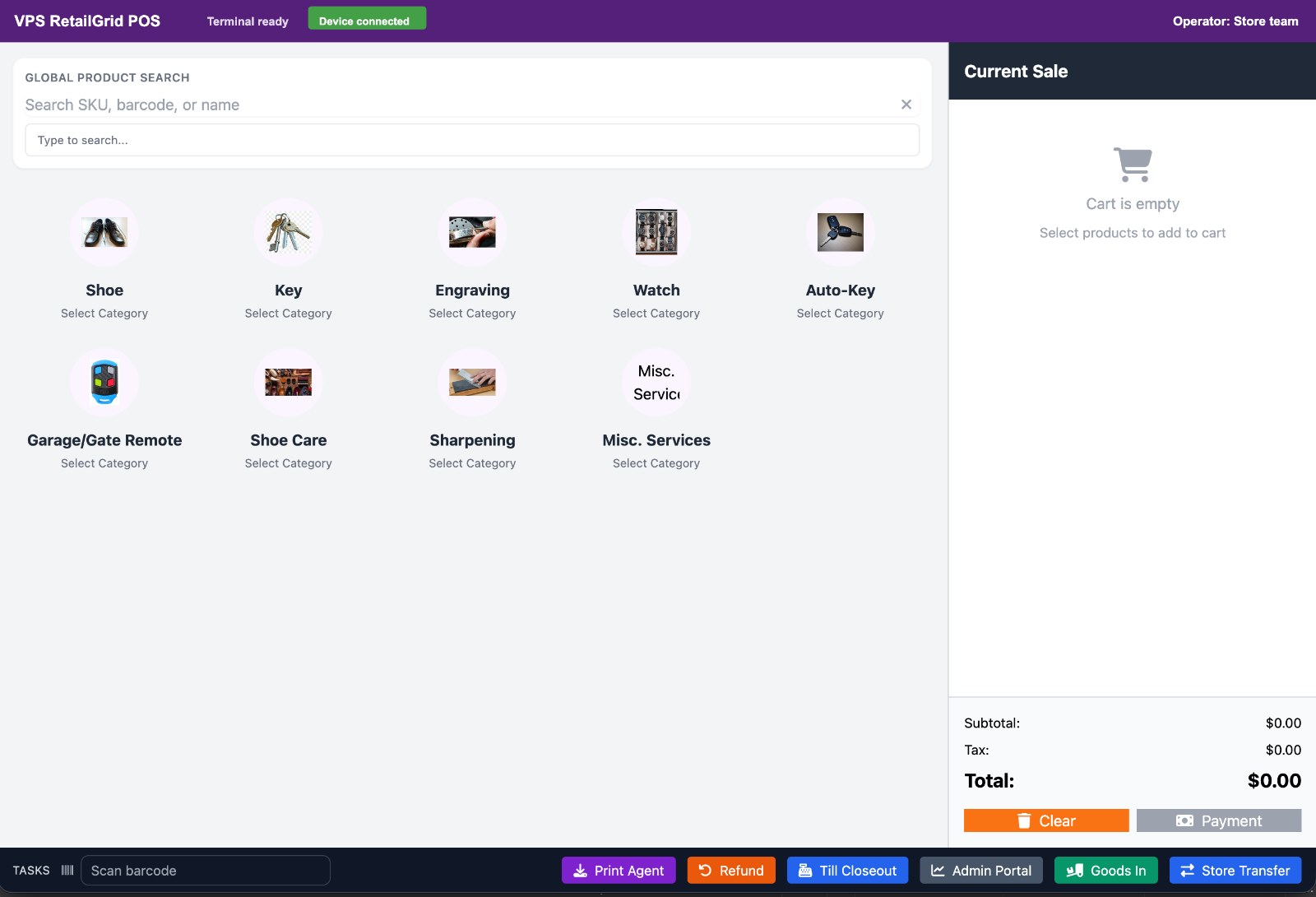
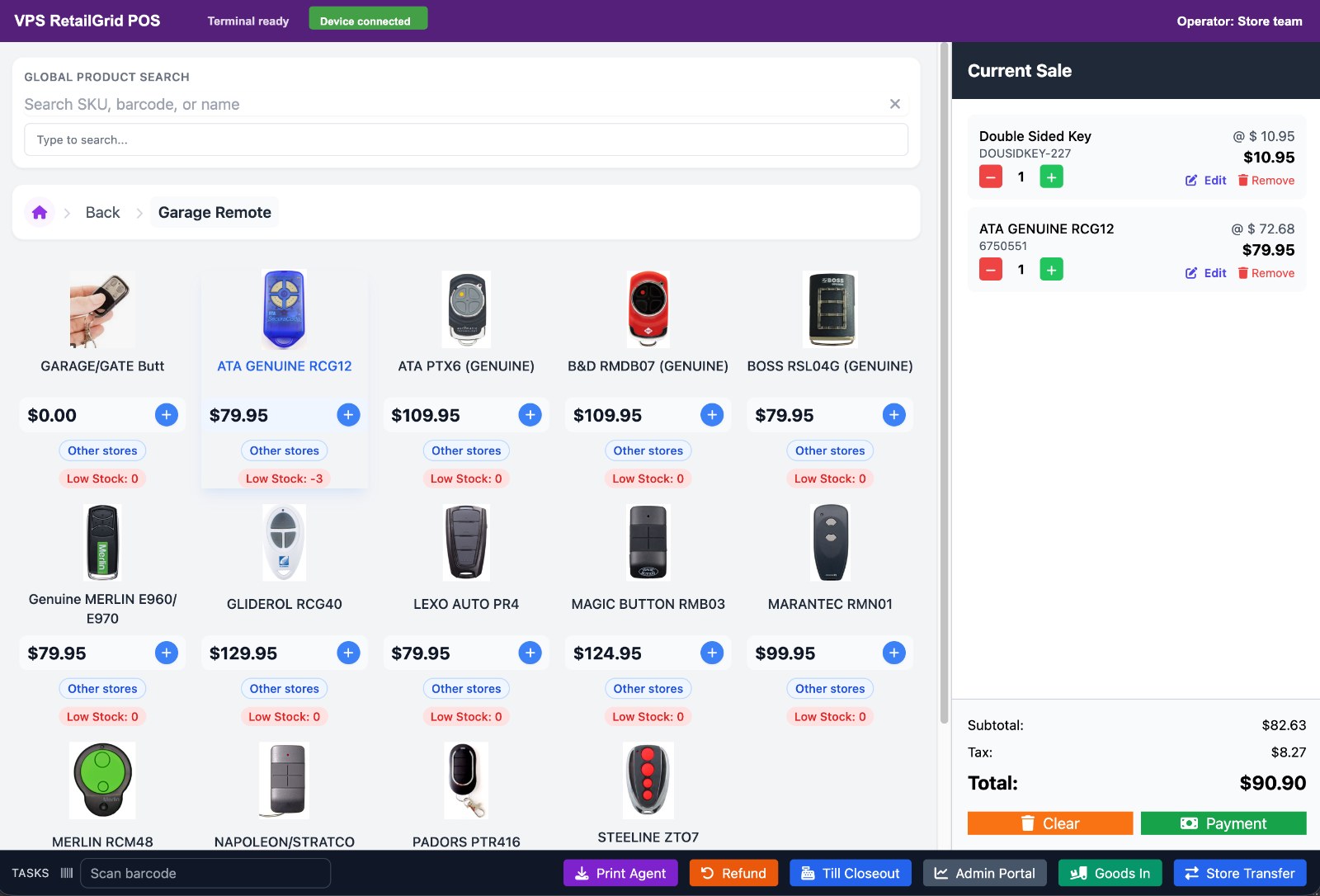
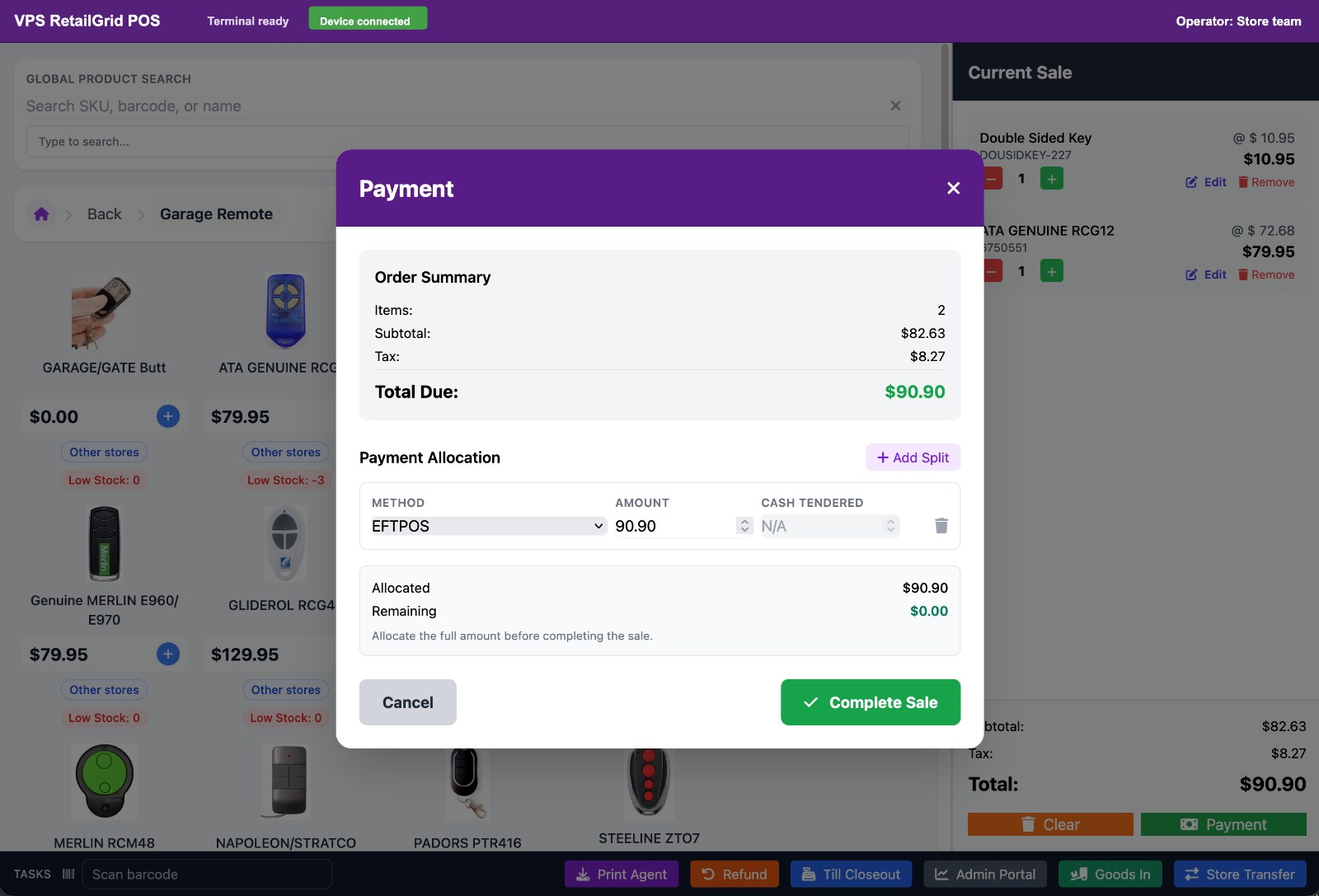
Counter sales, product selection, cart flow, payments, receipts, refunds, and operator login.
Multi-Store
Stores, store codes, terminals, registers, users, and local operating context.
Stock
Products, categories, brands, units, supplier context, stock status, and adjustments.
Customers
Customer profiles, contact details, lookup, VIP segmentation, and loyalty-ready workflows.
Staff Permissions
User management, role expectations, operator access, and secure tenant realm authentication.
Transactions
Sales history, receipt lookup, payment status, refunds, and transaction detail views.
Reports
Sales, goods-in, store transfer, product, customer, and store performance reporting.
Tenant Controls
Tenant-specific realms, schema boundaries, modules, terminals, and operational settings.
Operator workflows
The POS terminal covers more than checkout.
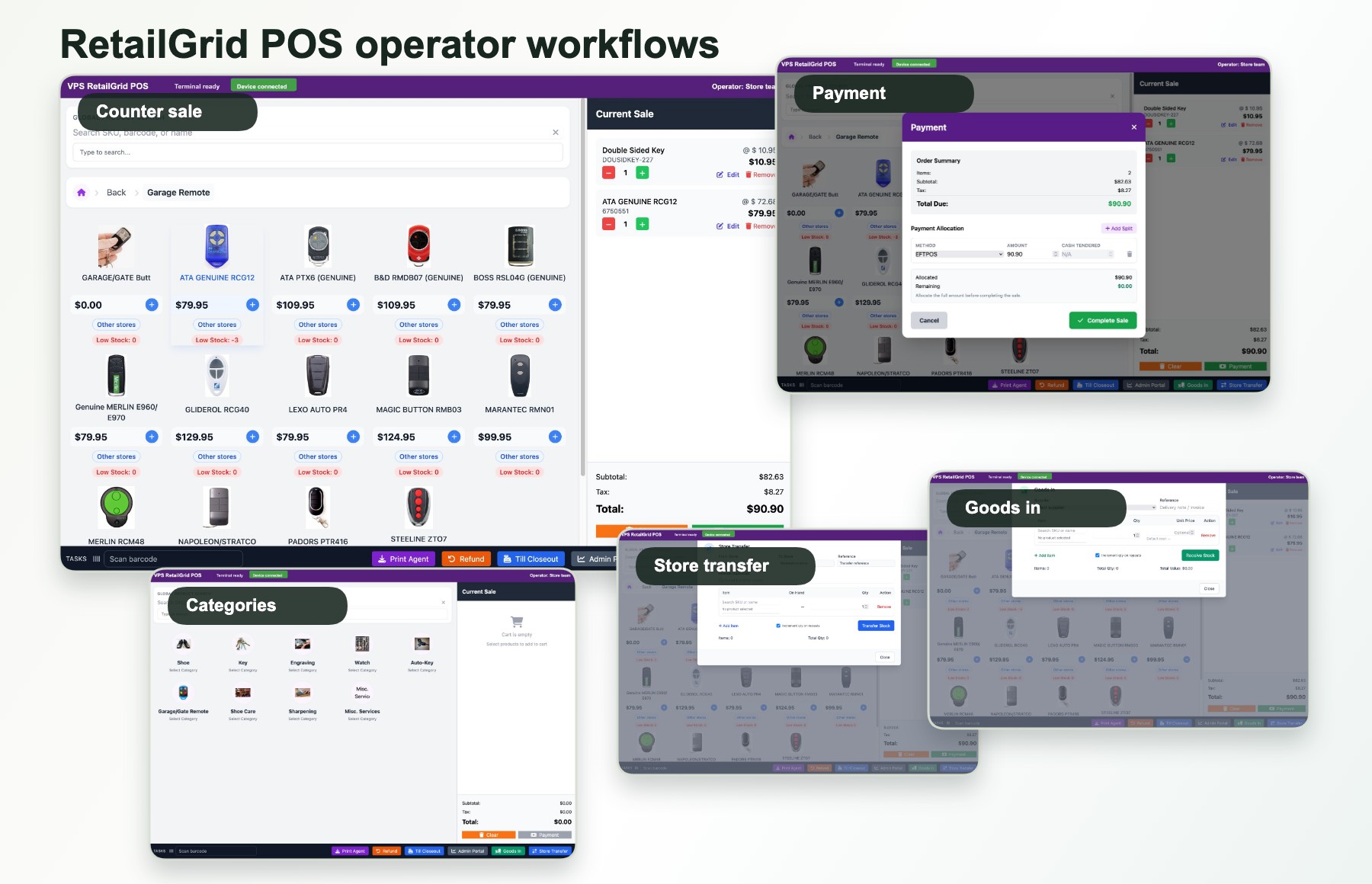
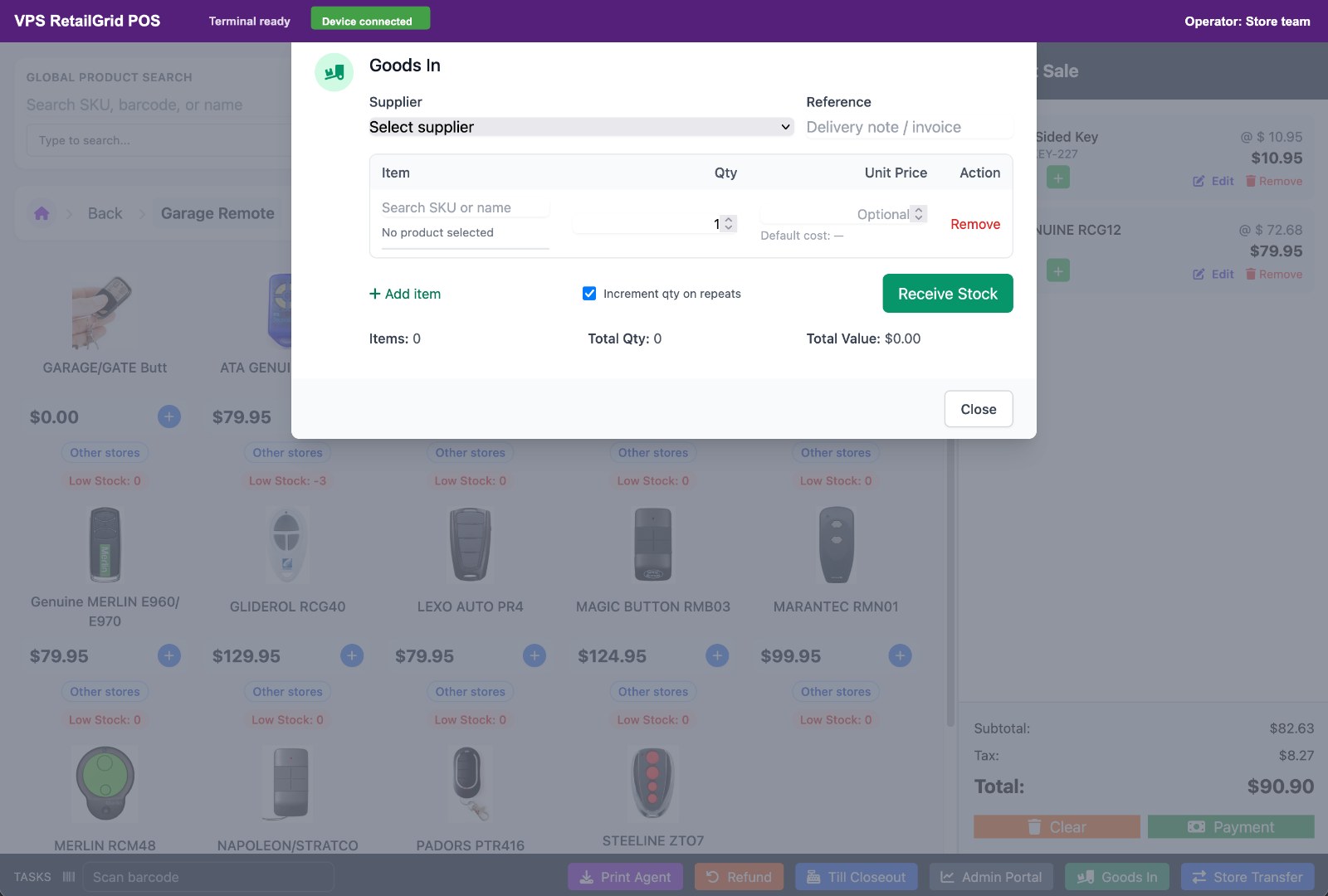
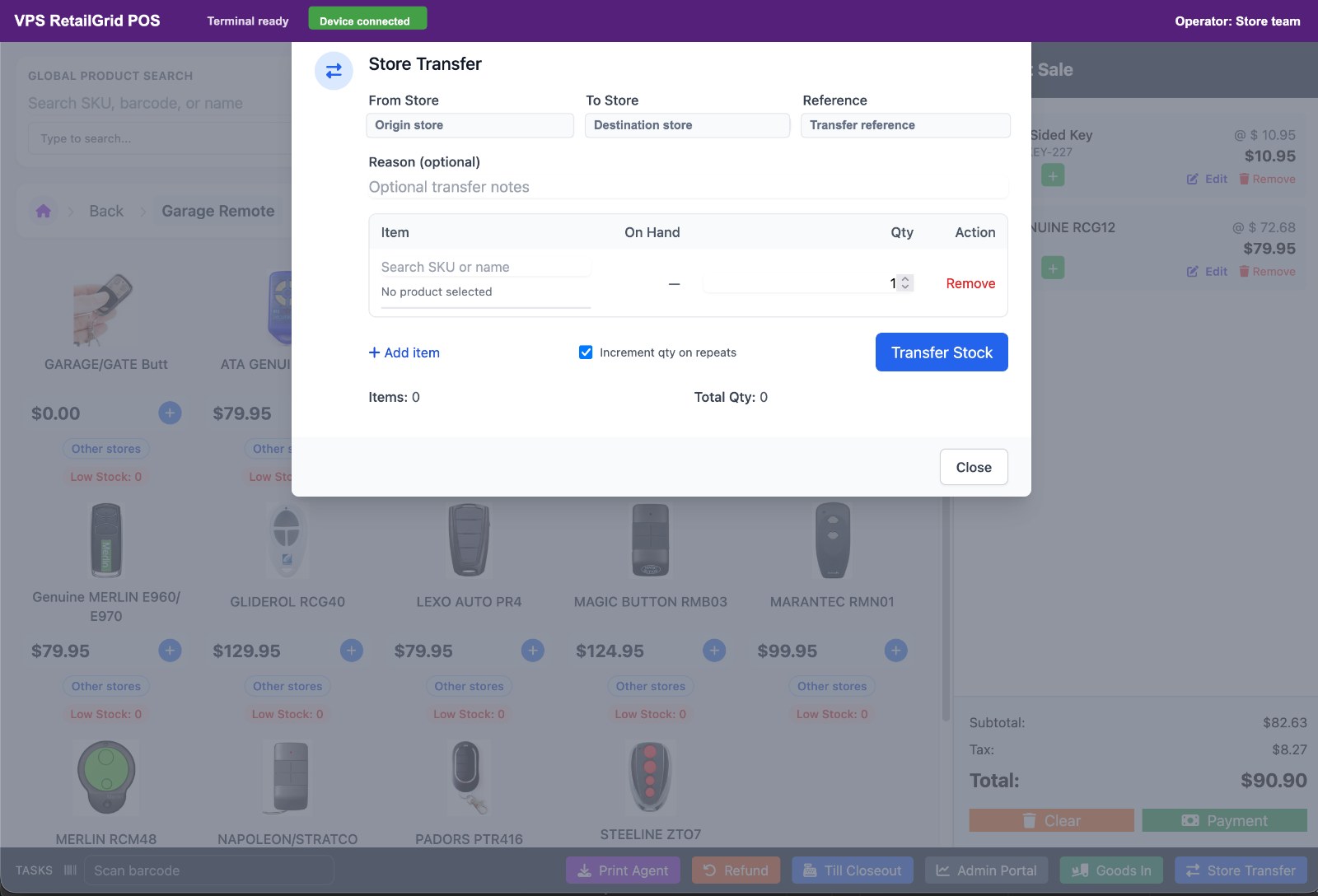
RetailGrid brings the day-to-day store workflows together: category browsing, active sale handling, split-ready payment allocation, goods-in, and store-to-store stock movement.
Management workspace
Managers can see the work behind each sale.
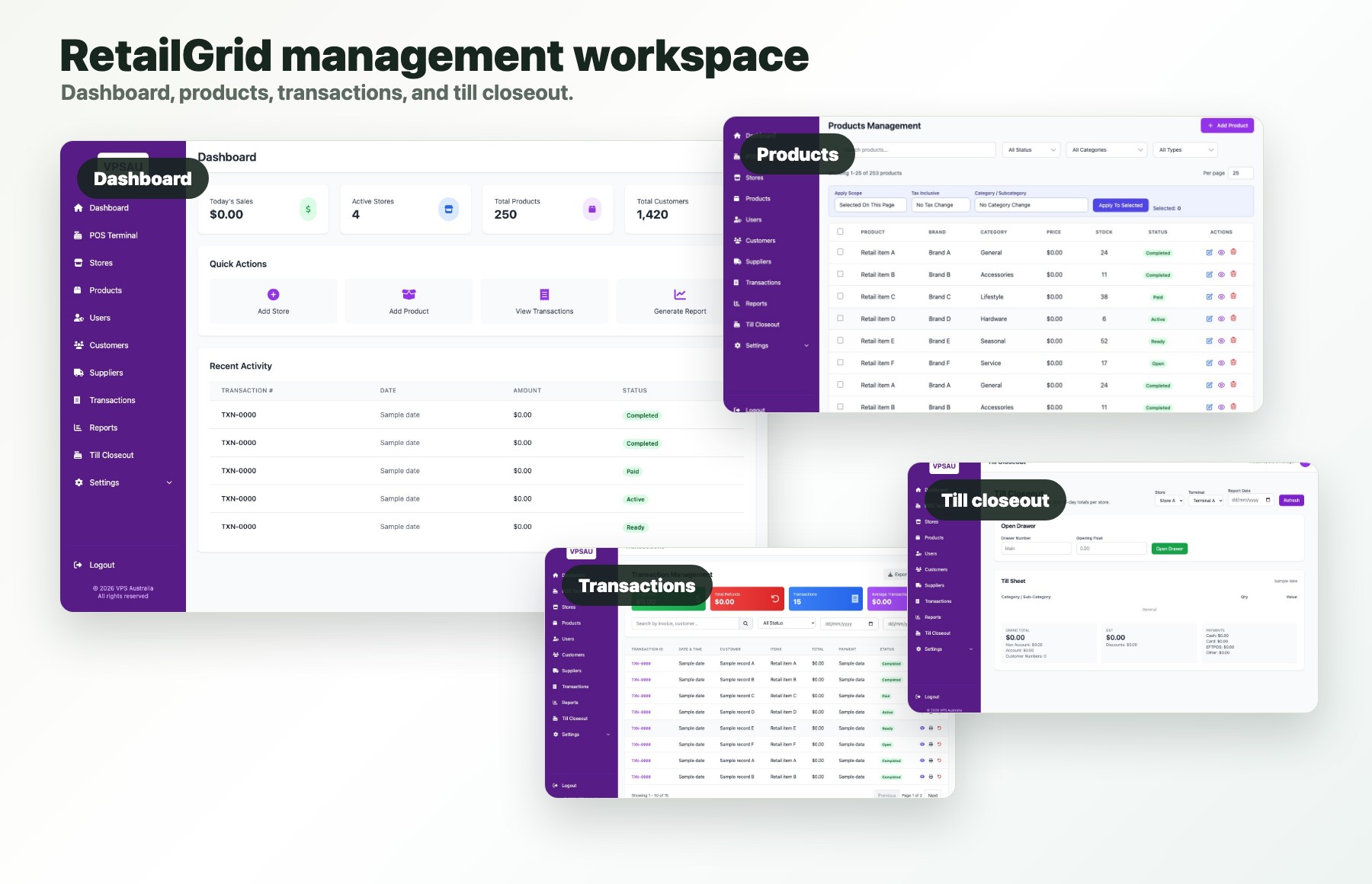
RetailGrid also gives store managers the operational screens they expect after checkout: dashboard visibility, product maintenance, transaction lookup, and till closeout.
Dashboard and products
Track the store network and keep sellable items maintained.
Transactions and closeout
Review sales history and reconcile daily till activity.
Clear product scope
Choose a focused retail POS or a broader business platform.
RetailGrid is purpose-built for POS, stores, staff, stock, customers, loyalty, transactions, and reporting. VPS Foundation Suite is available when requirements extend into marketplace channels, websites, ERP, and deeper automation.
Choose RetailGrid when
The priority is checkout, connected stores, stock, customers, staff controls, and practical retail reporting.
Consider Foundation Suite when
The business also needs broader ERP, commerce channels, websites, product data, or workflow automation.
Next step
Map the feature set to a real store network.
Share your stores, registers, current POS, stock process, and reporting needs so the demo can focus on the right RetailGrid workflows.