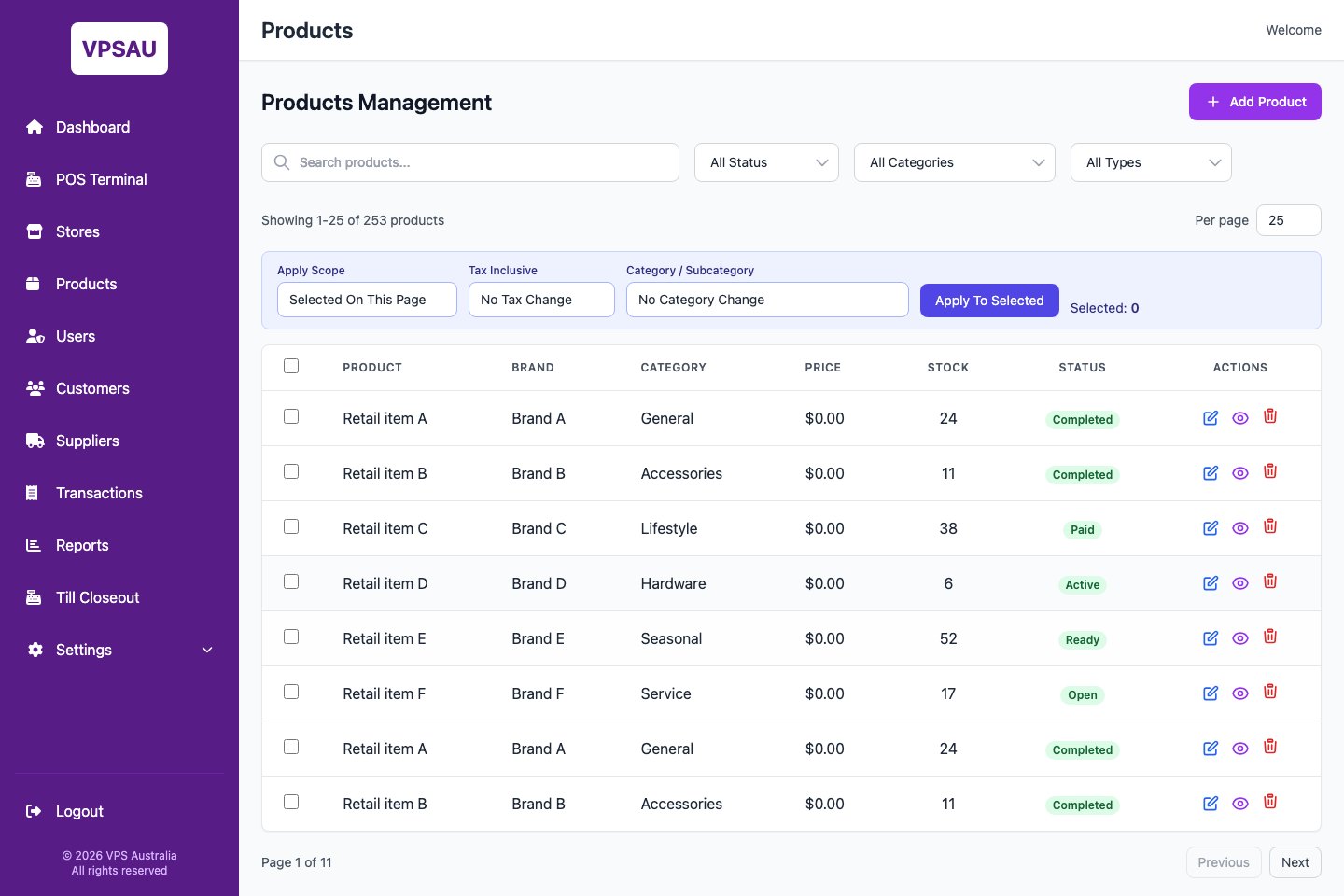
Shoe store POS system
Shoe store POS system for footwear retailers that need clearer stock visibility.
RetailGrid helps shoe shops and footwear retailers manage checkout, product records, categories, brands, stock status, customer profiles, loyalty-ready workflows, and practical store reporting.
Footwear retail workflows
Make product lookup and stock conversations easier at the counter.
Shoe retail depends on knowing what is available, what is selling, and which customers are returning. RetailGrid keeps POS, products, stock visibility, customers, and reporting in one focused operating surface.
Product lookup
Use product, category, brand, SKU or barcode context to help staff find sellable items faster.
Stock status
Give managers visibility into product stock, goods-in, transfers, low-stock pressure, and sales movement.
Customer history
Keep customer lookup, profile context, VIP-style segments, and loyalty-ready workflows close to checkout.
Store reporting
Review sales, transactions, products, customers, stores, and till closeout from the admin portal.
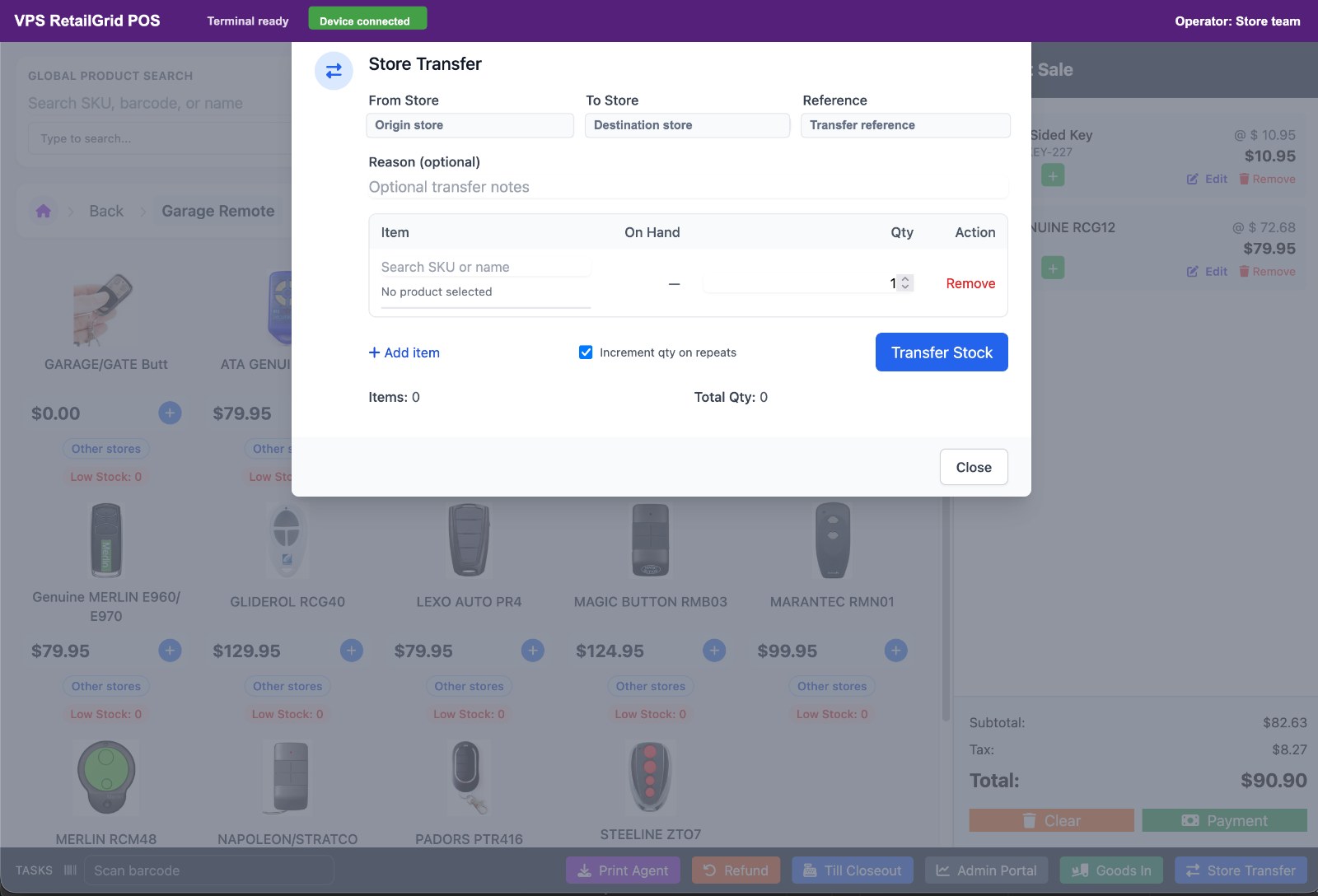
Stock across stores
Support one shoe shop or a connected footwear store network.
RetailGrid is useful for retailers that need a focused POS today and a path toward connected stores, terminals, operators, transfers, products, transactions, and reporting as the business grows.
Shoe store POS questions
Keep the POS focused on footwear retail operations.
Can staff look up products quickly?
Yes. RetailGrid supports product lookup, category browsing, and item selection in the POS terminal.
Can it handle multiple stores?
Yes. The multi-store POS model supports stores, terminals, users, transactions, stock movement, and reporting.
Can it support footwear stock detail?
RetailGrid supports practical product and stock records. The demo can confirm the best setup for any size, range, or catalogue requirements.
Footwear retail fit
Need a POS system for a shoe shop or footwear chain?
Share the number of stores, product catalogue shape, current POS, stock process, and the reporting you need first.