Multi-store inventory management
Multi-store inventory management that stays connected to POS.
RetailGrid helps retailers manage products, categories, brands, suppliers, stock status, goods-in, transfers, and reporting across stores without turning every stock task into a full ERP rollout.
Stock visibility across stores
Inventory gets harder as soon as stock moves between locations.
Retailers need a practical way to see products, understand stock pressure, receive goods, move stock, and connect sales history to product decisions without opening disconnected spreadsheets.
Central Product Records
Maintain names, prices, barcodes, SKUs, categories, brands, suppliers, and tax rates in one place.
Store Transfers
Dispatch and receive inter-store stock transfers with in-transit tracking and audit records.
Goods-In Receiving
Receive stock at each store terminal or warehouse and immediately update POS sellable inventory.
Low-Stock Warnings
Highlight low-stock and out-of-stock items before shelves run empty across your branches.
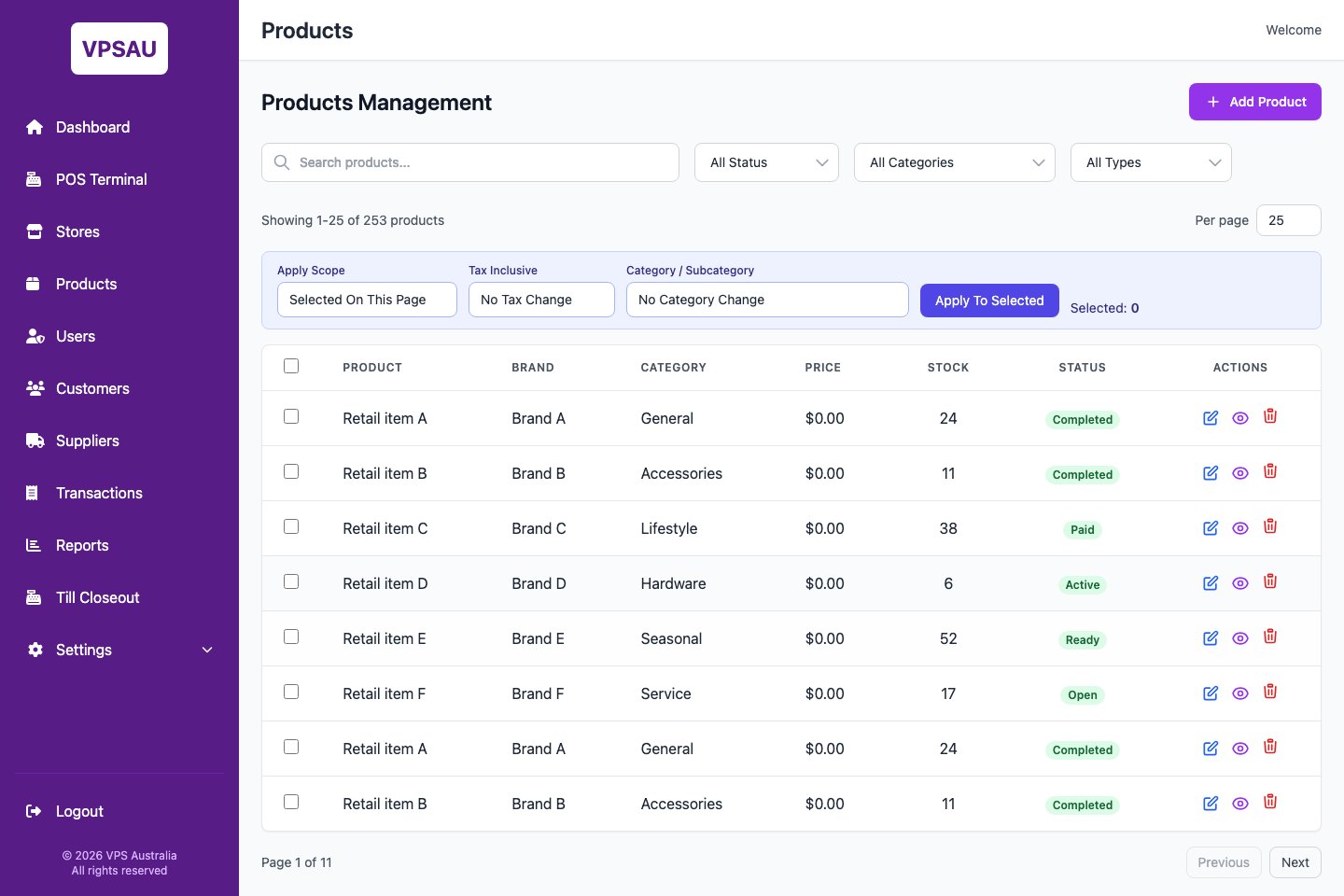
Product admin workspace
Inventory visibility should help store teams make better retail decisions.
RetailGrid gives managers a focused product maintenance surface for search, filtering, category controls, stock values, status, and product actions.
Multi-store inventory questions
Common questions on multi-location stock control.
Can store associates initiate stock transfers at the register?
Yes. The POS terminal includes a streamlined store transfer flow so associates can request or dispatch items to another store location without managerial intervention if permitted.
How does RetailGrid handle barcode scanning and SKU lookups?
RetailGrid supports standard 1D and 2D barcode scanning at checkout, receiving, and stocktakes, allowing staff to quickly identify products, variants, and pricing instantly.
Can we bulk import products from our current system?
Yes. You can import products, categories, suppliers, barcodes, and current store stock levels via standard CSV files during initial setup or periodic catalogue updates.
Does stock deduct in real time when a sale is completed?
Yes. The moment payment is confirmed at the register, that store's stock count is automatically deducted and updated in central inventory reporting.
Inventory fit
Need stock visibility across more than one store?
Tell us how products, stores, suppliers, goods-in, transfers, and stock reporting are handled today.